
After signing in to Student Center, use the language selector located in the lower-right corner of the page.
- Select the language control in the lower-right corner of the Student Center, or in the class player if you are using your company LMS.
- Choose your preferred language from the available list.
- Student Center will reload supported navigation, menus, pages, and course text in the selected language.
The language selector remains available while you navigate the Student Center, so you can select a different supported language if needed.
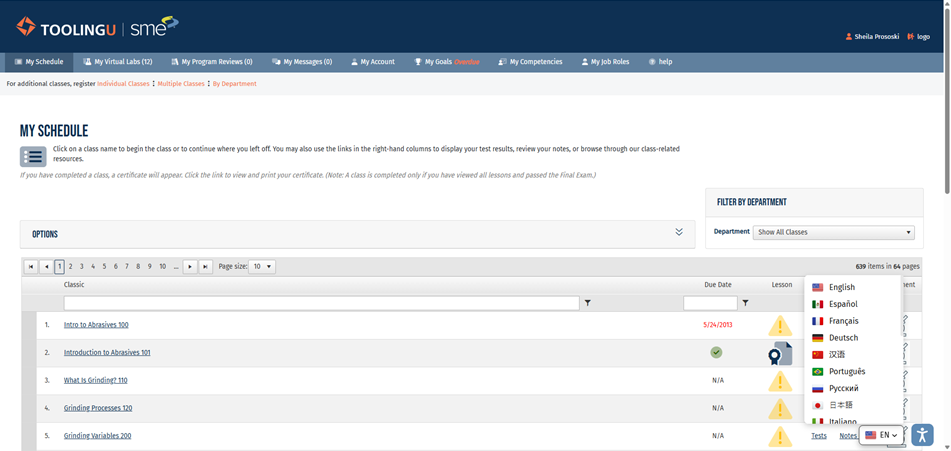
Student Center language selector (lower-right corner)